Workflow Bottlenecks · Project Delays
Workflow Bottlenecks: How Waiting and Rework Delay Projects
A workflow bottleneck is the step or condition that controls how quickly work moves from request to acceptance. The task finishes on schedule. The project falls behind anyway.
Executive SummaryWhere project delays form, and how to trace them.+
In office work, project delays form between tasks more often than inside them. A workflow bottleneck is the point on the route that controls how quickly a deliverable moves from request to acceptance. Look past the slowest person and the longest task. The controlling point is more often an approval waiting for a standing meeting, a handoff nobody accepted or a document sitting in an inbox that no dashboard counts as waiting.
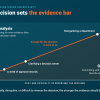
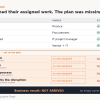
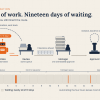
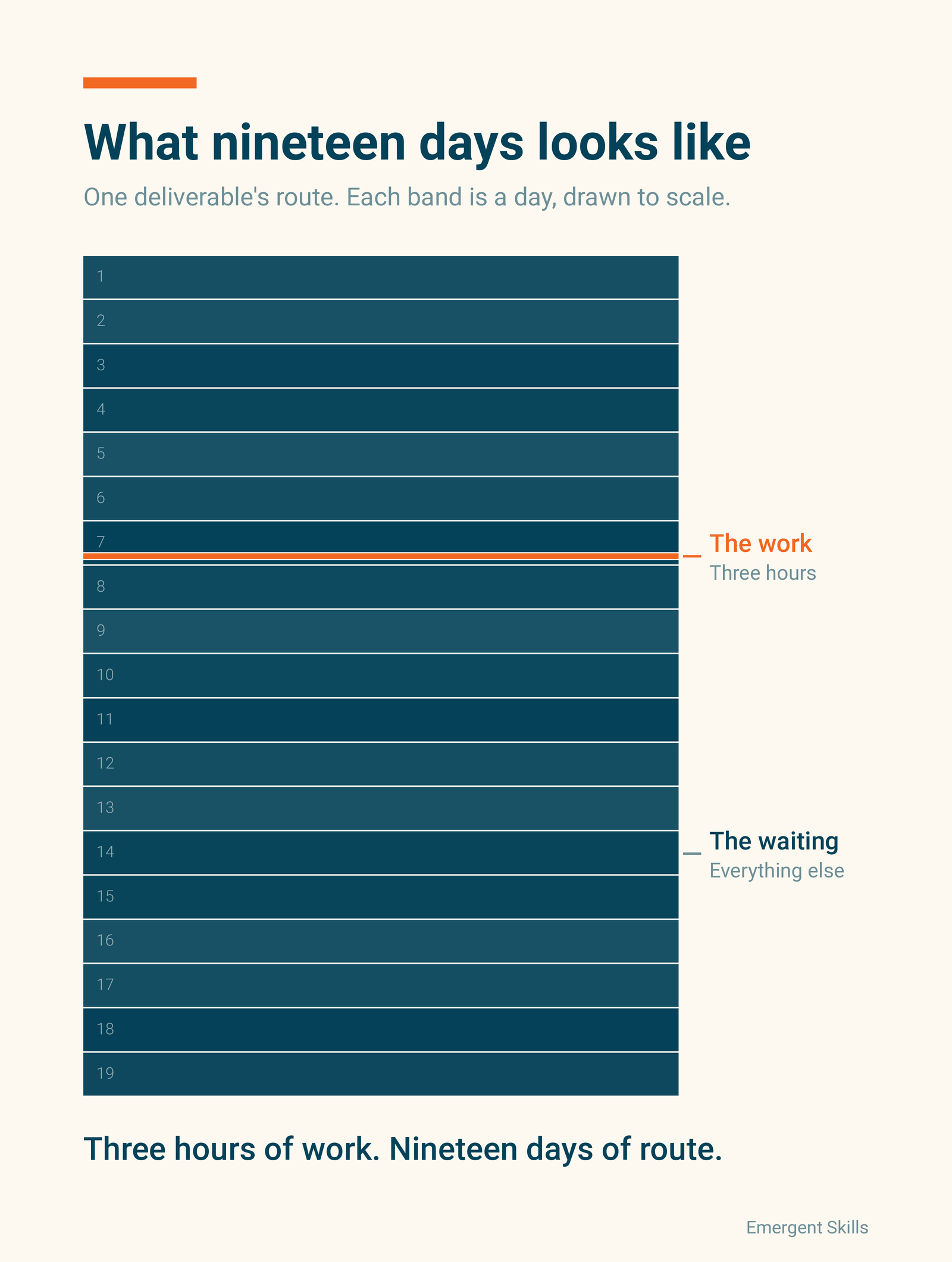
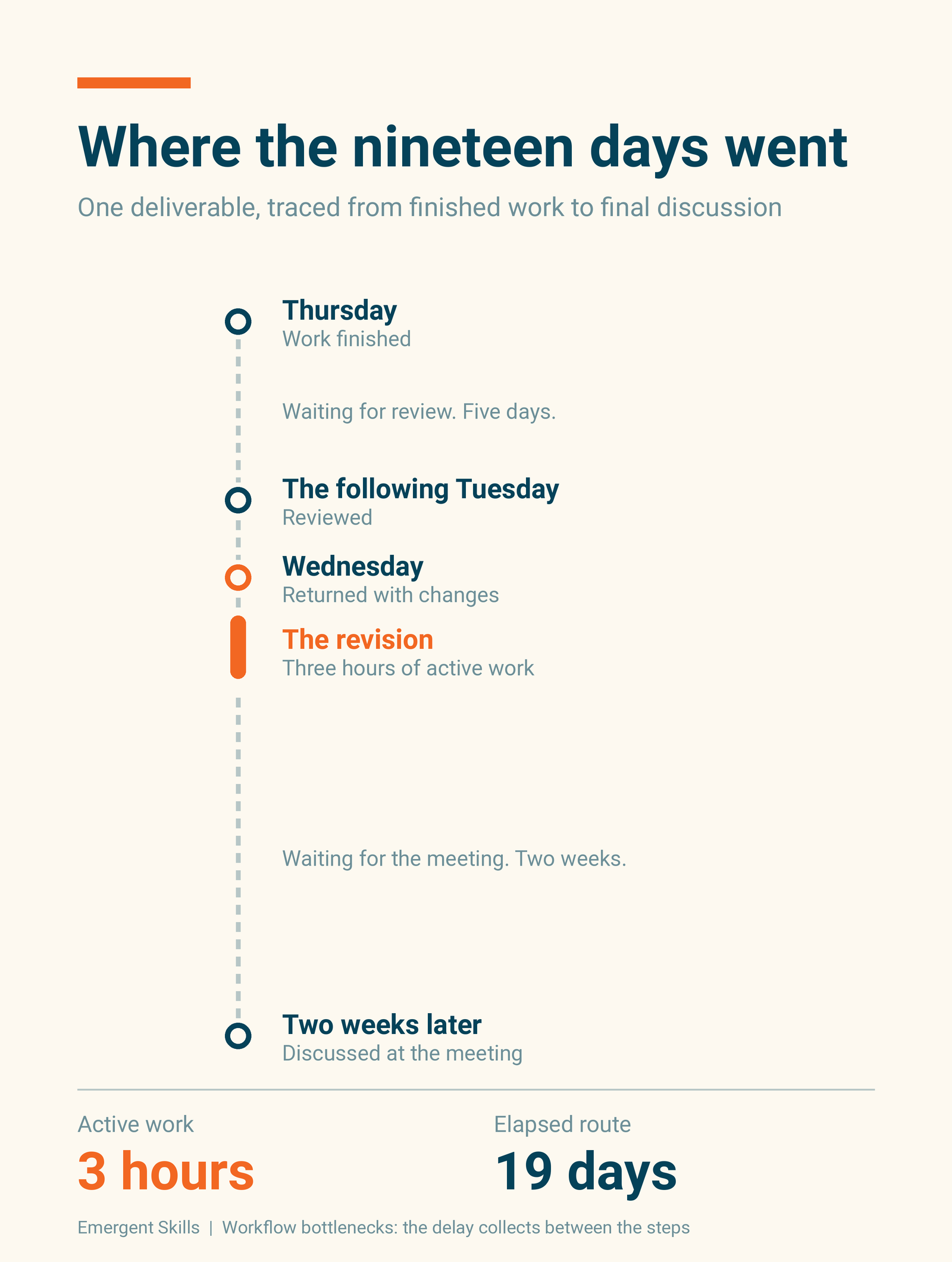
The example on this page took three hours of revision and nineteen days of route. Separate active time from elapsed time on one deliverable and the ratio is often the whole story. Speeding up work that is already moving recovers very little when most of the elapsed time was spent waiting. That waiting is execution drag through the work path. Whether the interruptions around it also affect anyone's judgment is a separate question, and the ratio does not answer it.
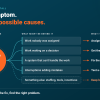
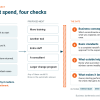
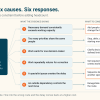
Emergent Skills finds the same four conditions in most of the routes it traces. Approval happens only at a standing meeting. Handoffs arrive with no one on the receiving side accepting them. More work is open than the team can finish, so items wait while people switch among them. Accepted work reopens when a late requirement sends it backward. All four generate messages, meetings and status updates, so the project can look busy while the deliverable stands still.
Trace one important outcome through the route it took, using calendars, decision logs and document revisions to recover the gaps the project tracker never recorded. Ask whether each wait sat on the route that controlled the finish date, and whether the route is the best explanation at all. An unchosen priority, a missing capability or an external dependency may explain the delay better. Then test one change with one measure, and decide in advance what result would make you drop the explanation. The usual first step is a $1,500, 90-minute Stalled Priority Snapshot, which runs this trace on one outcome and ends with a 14-day routing experiment that has an owner and a measure.
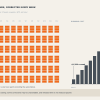
The revision took three hours. The route took nineteen days.
Most project reporting is better at showing the three hours than explaining the nineteen days. Tasks, owners and deadlines are visible. The waiting between tasks is harder to see, especially when work crosses teams or leaves the system used to track the project.
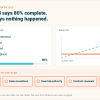
That is where workflow bottlenecks often hide. The project looks active because messages, meetings and status updates continue. The deliverable itself is not moving.
What is a workflow bottleneck?
A workflow bottleneck is a step or condition that restricts the movement of work through a sequence. It may be an approval, a queue or a dependency. It may also be one person through whom too much work has been routed.
The slowest-looking person or the longest individual task is the usual suspect. The bottleneck is the point on the route that controls how quickly the outcome can be completed.
This is narrower than a general bottleneck analysis. Bottleneck analysis can examine the constraint on an entire system. A workflow bottleneck trace follows one deliverable through its actual route to find where time accumulated between steps or where accepted work reopened.
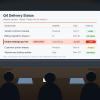
Office work makes this difficult to see. A document can sit in an inbox without changing status. A decision can wait for a meeting while the project remains green. Work may move into email, chat or a shared document and disappear from the project dashboard altogether.
The Lean Enterprise Institute identifies waiting in inboxes and queues as a major contributor to long lead times in office work. The delay is often found between processing steps, not inside them.
How workflow bottlenecks cause project delays
A task can be completed on schedule while the larger project still falls behind. The delay builds in the gaps: three days waiting for an approval, two more because a handoff was incomplete, then another week when a late requirement sends the work backward.
Project delays produced this way rarely appear as one dramatic failure. They accumulate across the route. By the time the finish date moves, no single step looks responsible.
Separate active time from elapsed time
Take one important deliverable and reconstruct its route from request to acceptance.
Measure the intervals when the outcome was actively advancing. Then compare that duration with the full elapsed period, using the same unit for both. This gives you a local measure of flow efficiency:
Flow efficiency = active route time / total elapsed route time
If a deliverable received one day of active work across five elapsed days, its flow efficiency was 20%. Even eliminating the active day entirely could recover no more than one day unless something also changed the four days of waiting.
This is not a benchmark. It is arithmetic from the project's own record.
Keep route time separate from labor time. If three people work together for four hours, the route advances by four hours while the organization consumes twelve person-hours. Adding the twelve hours and subtracting them from elapsed time would produce a meaningless waiting figure.
Four common workflow bottlenecks
The same four turn up in most routes Emergent Skills traces.
Approval cadence
The work is ready, but approval occurs only during a standing weekly or biweekly meeting. A small decision can lose ten days simply because it missed the agenda.
Unowned handoffs
One team sends the work, but nobody on the receiving side explicitly accepts it. There is no response expectation and no escalation rule. Reminders become the queue-management system.
Work in progress
More work enters the workflow than the system can finish. Kanban University explains that when work in progress is not limited, a system can become overburdened, harming throughput, predictability and quality. The result is familiar: many items are open, several are waiting and people switch among them whenever a message arrives.
Rework
A late requirement, missing input or changed acceptance rule sends the work backward. Repeating the effort is the smaller cost. The team must also reconstruct the context, find the latest version and determine which earlier decisions still hold.
Why workflow bottlenecks can look like progress
Modern knowledge work generates a great deal of communication around blocked work. That activity can look like progress.
Microsoft found that employees were interrupted by a meeting, email or chat approximately every two minutes during the core workday. Earlier Microsoft research found that the average employee spent 57% of work time communicating and 43% creating, while 68% said they lacked enough uninterrupted focus time.
Projects require coordination, so the figures do not make communication waste. What they show is why another meeting or escalation is weak evidence that the workflow is improving.
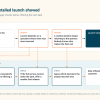
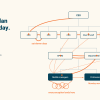
Execution drag reaches a result in two ways, and the nineteen days are the first: the work path holds things up. The revision waited from Thursday to the following Tuesday for a review, came back on Wednesday and then waited two weeks for a meeting. Nobody on that route had to be working badly. The deliverable still stood still.
The second way is harder to see. It goes through the people around the blocked work. Switching among open items whenever a message arrives, an interruption every two minutes and rebuilding context after each reopening all add demand, and that demand can make judgment and focus harder to use consistently. The figures above show the conditions, not the effect. A trace shows where the deliverable waited. It does not show what the interruptions did to anyone's judgment, and a full inbox is not proof. Look for that with its own evidence. The nineteen days are a finding without it.
How to identify a workflow bottleneck
Start with a single completed or stalled outcome. A business process map can show the intended sequence. For the trace, reconstruct the route as it happened. Calendar entries, decision logs and task histories show when the work moved. Document revisions and escalation threads fill in the intervals the tracker missed.
- When was the item ready for the next step?
- When did the next step begin?
- What condition controlled that interval?
- Did the work reopen after it had been accepted?
- Was the delay on the route that controlled the finish date?
That last question matters. A wait can be long and still occur in parallel with other necessary work. Shortening it may improve a local measure without changing the completion date.
Also check whether the route is really the best explanation. The outcome may be invalid or the priority never chosen. Missing capability or authority, inadequate funding or an external dependency may control the result instead. If one of those conditions explains the delay better, report it rather than forcing a workflow diagnosis.
Test one workflow change
Once the evidence points to a likely bottleneck, make a small change that can produce a visible result.
Examples include giving one person authority over a reversible decision, defining what must accompany a handoff or replacing a batch approval meeting with a response window. Where work in progress is the constraint, cap the number of items allowed to enter the review step.
Use one outcome and one measure. Depending on the bottleneck, track the waiting interval, the number of reopened items or movement in the next milestone. Set a point at which you will reject the explanation if the result does not improve.
Workflow optimization can start smaller than asking everyone to work faster. Find where completed effort stopped moving and why.
Find the nineteen days.
In a $1,500, 90-minute Stalled Priority Snapshot, we reconstruct the route one important outcome took, separate active time from waiting and design one 14-day routing experiment with an owner and a measure.
Sources
- Shook, J. (2004). Helpful Hints about Mapping off the Plant Floor in Support of Administrative Operations. Lean Enterprise Institute, The Lean Post.
- Kanban University. The Kanban Method Glossary: Limit WIP.
- Microsoft. (2025). Work Trend Index Annual Report: The Year the Frontier Firm Is Born.
- Microsoft. (2023). Work Trend Index Annual Report: Will AI Fix Work?