Workload Planning
Too Many Projects at Once: Why Work Slows Down
Too many active projects create queues, context switching and shared-resource delays. Start by reviewing what is already open, then reduce work in progress before adding people.
Executive Summary Too many active projects slow all of them +
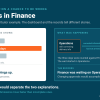
When an organization keeps more projects open than its shared people and decision routes can finish, every project moves at the speed of the most crowded route. Open work carries obligations the estimate never counted: status meetings, handoffs, restarts and the recovery time after each pause. Full allocation leaves no room for ordinary variation, so the next difficult review or urgent request becomes a queue. That queue is execution drag through the work path. Whether the switching and restarts also wear on the judgment of the people carrying the work is a separate question, and the dashboard cannot answer it.
Before approving new work, list each active priority with its next outcome, what is holding it, when it last advanced and whether leadership would start it today. Stop or finish work before replacements enter, limit what reaches a constrained review step and reserve slack for predictable interruptions. Hiring into an overloaded route without changing intake reproduces the delay with more people.
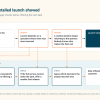
The Stalled Priority Snapshot is a $1,500, 90-minute session that traces where one important outcome is waiting and tests one fix in 14 days.
The capacity plan says everyone is fully allocated. Leadership sees that as efficient.
The project record says otherwise. Work starts, pauses and restarts. The same specialist appears on six plans. Managers spend their days deciding which urgent item moves next. Deadlines slip because every project was promised a share of the same people. The priority that mattered most is on that list, and it moves at the speed of the most crowded route.
This is what happens when an organization starts more work than its shared people and decision routes can finish. Reassigning a few tasks makes the plan look better and leaves the delay where it was.
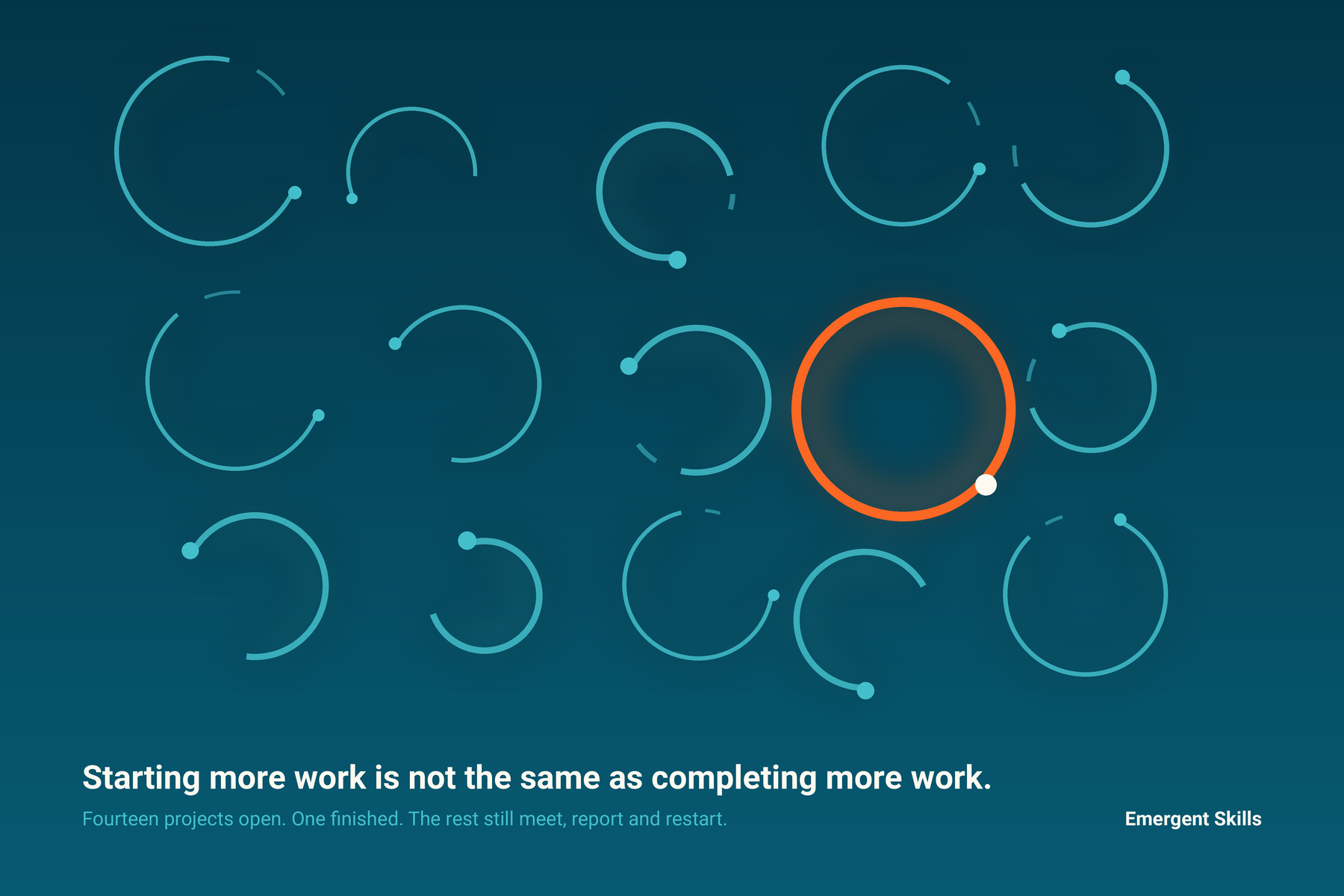
The real workload includes unfinished commitments
A task estimate captures the expected working time. It rarely captures the obligation created by keeping a project open.
Open work generates status meetings, handoffs and decisions. If it pauses, someone must keep it current. When it restarts, the people involved need time to recover the history and work out what changed.
The burden depends on more than assigned hours. It also depends on how many commitments are active, how often priorities move and how many projects rely on the same constrained people.
Atlassian's 2024 State of Teams research found that 64% of knowledge workers said their teams were constantly pulled in too many directions, and 70% said progress would be easier with fewer, more specific goals.
Both numbers describe intake, not effort.
That leaves one practical question for workload planning: has the organization accepted more simultaneous demand than its routes can finish?
Full utilization leaves no room for ordinary variation
Most capacity plans try to use every available hour. Idle capacity looks wasteful on a spreadsheet, so leaders keep adding work until everyone appears fully allocated.
Full allocation is not efficiency. It is a schedule with nowhere for the next problem to go.
Actual work does not arrive or move that neatly. A difficult review takes longer than planned. An urgent customer request appears. A key person is absent. With no room left in the system, the next item waits.
Waiting work does not stay quiet. People start something else while they wait. Work in progress climbs, and every restart adds context switching on top of the original estimate.
The official guide to the Kanban Method describes the same problem. When resources are fully utilized, the system has no slack and flow deteriorates. Kanban uses work-in-progress limits to balance utilization with more predictable delivery.
You do not need to adopt a new methodology to use the principle. Starting more work is not the same as completing more work.

What the workload dashboard shows, and what it can miss
Workload and project-management tools can show assignments, dependencies and reported utilization. That record is useful. It can reveal an overallocated person or a project with no owner.
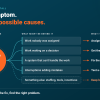
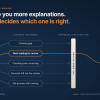
The dashboard may not explain why the same work keeps stopping. The delay could sit in an approval route, a shared specialist or an external dependency. It could come from priorities that keep moving, or from a real staffing gap. The work needs to be traced before the cause is assigned.
Communication demand is easy to overlook because it may never appear in the project estimate. Microsoft reported that the 20% of Microsoft 365 users receiving the most pings were interrupted by a meeting, email or notification about once every two minutes during the core workday. The figure does not describe every employee, but it shows why a calendar opening is not necessarily usable capacity.
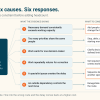
Execution drag reaches a result in two ways, and too many open projects can set off both. The first is structural: work waits. The same specialist is on six plans, so five of them queue. A review step accepts more than it can release. Nobody on those plans has to be working badly for the deadline to slip.
The second way goes through the people carrying the open work. Each pause and restart, each switch between projects and each interruption adds demand, and that demand can make judgment and focus harder to use consistently. The dashboard will not show that, and a full calendar does not prove it. The record shows where work waited and how often it changed hands. It does not show what the switching did to anyone's judgment. That needs its own evidence. The queue behind the shared specialist is a finding by itself.
Signs of excessive work in progress
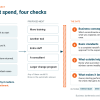
Look beyond whether people appear busy. Check the work record for these patterns:
- New work starts faster than finished work leaves.
- Unrelated milestones move together because they share a manager, specialist or approval group.
- A project loses priority but its meetings, reporting and maintenance continue.
- People respond quickly to messages while difficult work waits for uninterrupted attention.
- The same item repeatedly pauses, changes hands or returns for clarification.
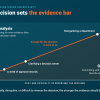
One sign alone does not establish the cause. Several clustered around the same constrained route mark the place to investigate.
Review active work before approving more
Begin with the work already underway, not the next planning cycle. List each active priority and record:
- The next outcome it must complete
- The person, decision or dependency holding the next move
- The last date the outcome materially advanced
- The meetings and reporting still required while it remains open
- Whether leadership would start it today, knowing what it knows now
The fifth question often exposes projects that continue because stopping them requires a decision. Starting their replacements required only enthusiasm.
Reduce work in progress before adding people
The right response depends on what the review finds. It may mean stopping work that is no longer a chosen priority, finishing several projects before replacements enter, or limiting work sent to a constrained review step. Managers may need authority to reject unplanned demand. Some operations need reserved slack for support work and predictable interruptions.
Additional staffing may still be justified. But hiring into an overloaded route without changing intake, priority rules or approval queues can reproduce the delay with more people.
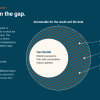
Good workload management makes the tradeoff visible before the deadlines move. It connects what the organization starts with what its work system can finish. The gap between the two is execution drag.
If the problem is one important outcome that should have moved by now, the Stalled Priority Snapshot traces where it is waiting. When the same pattern appears across several projects or a whole team, the Work Demand Diagnostic examines the shared operating conditions.
When one important outcome should have moved by now
The Stalled Priority Snapshot traces where the work is waiting, names the constrained route and tests one change in 14 days.