AI rollouts · Operational Payoff · Operations consulting + Proprietary AI Tools
Does "Human in the Loop" Make an AI Rollout Pay Off?
"A person reviews everything" is the most common reassurance in AI adoption. Often the review can't catch the errors that matter, and it moves the queue instead of clearing it. Here's how to test your review before you add another reviewer, buy a better model or call the rollout a failure.
This is for operations leaders, project and program managers, PMO leads and CFOs whose AI rollout has a person checking the output. An AI tool now drafts the letters, the quotes, the summaries or the reports, and someone reviews each one before it goes out. On paper, that's the safe way to do it. In practice, one of two things often happens. Emergent Skills is an operations consulting firm that uses proprietary AI tools to find out which one is happening to you, and why.
- Errors still get through. The reviewer approves almost everything, and complaints or rework go up anyway.
- The saving disappears. Drafting got faster, but the work now waits in the review queue, so the result the business case promised never shows up.
Either way, a decision follows: buy the vendor's better model, add a second review, retrain the reviewers, drop the review, or replace the tool. Each of those costs money. Each is a guess until someone checks how the review actually works.
Why a person in the loop isn't the same as a check
In Harvard Business Review in November 2026, Sangeet Paul Choudary argues that "human in the loop" often means arranging people around the work a machine is about to take over. He draws on a finding about automation that is about forty years old: the more reliable the system, the less attentive the people monitoring it become.
AI makes that worse in one specific way. A wrong draft reads as well as a right one. It's fluent, organized and consistent with itself. As Choudary puts it, "Reviewers who merely grade coherence fail to grade correctness."
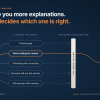
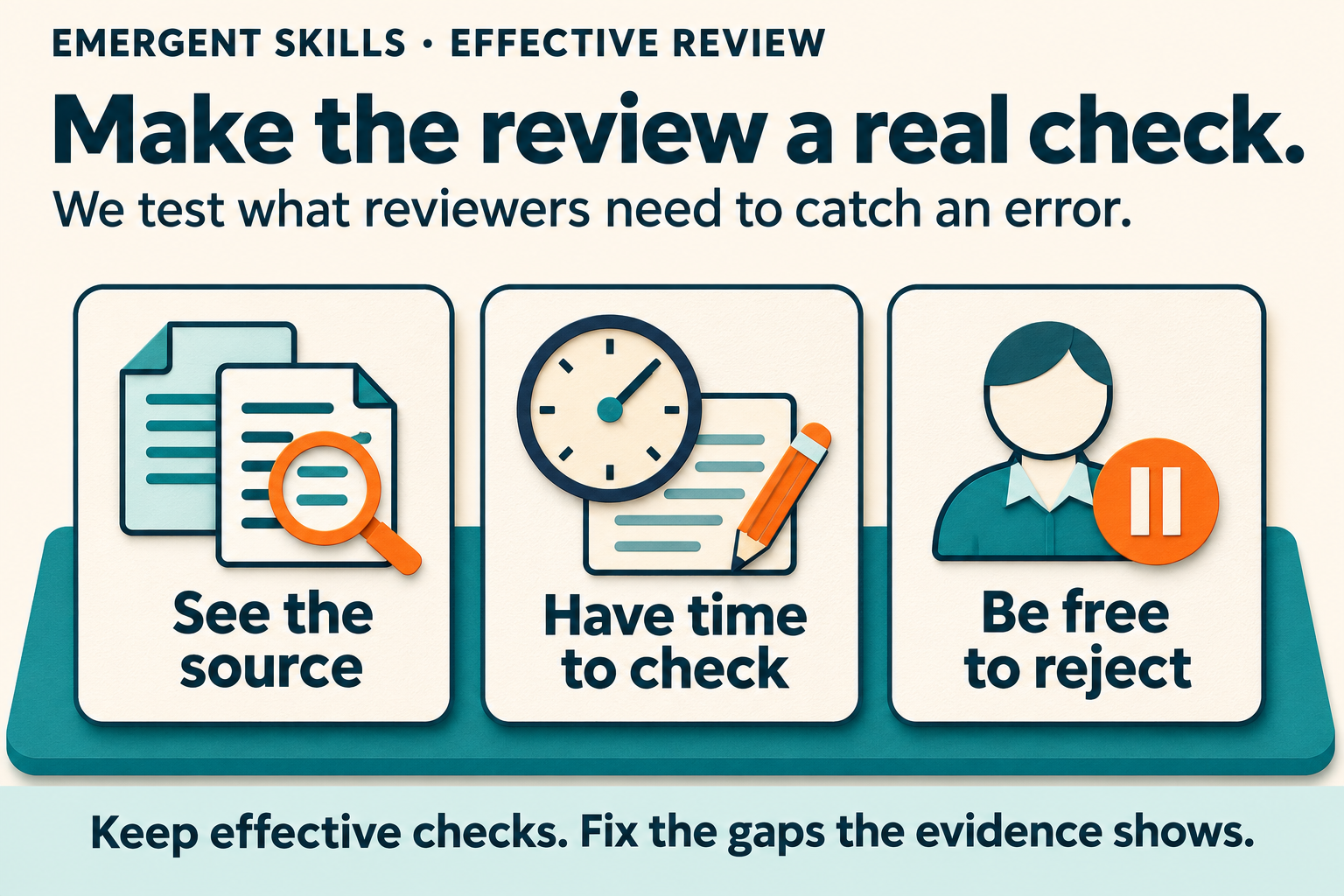
A review only works if the reviewer can see the source, has time to check it, and is free to say no. Take away any one of those and the review checks how the work reads, not whether it's right.
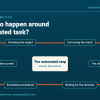
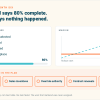
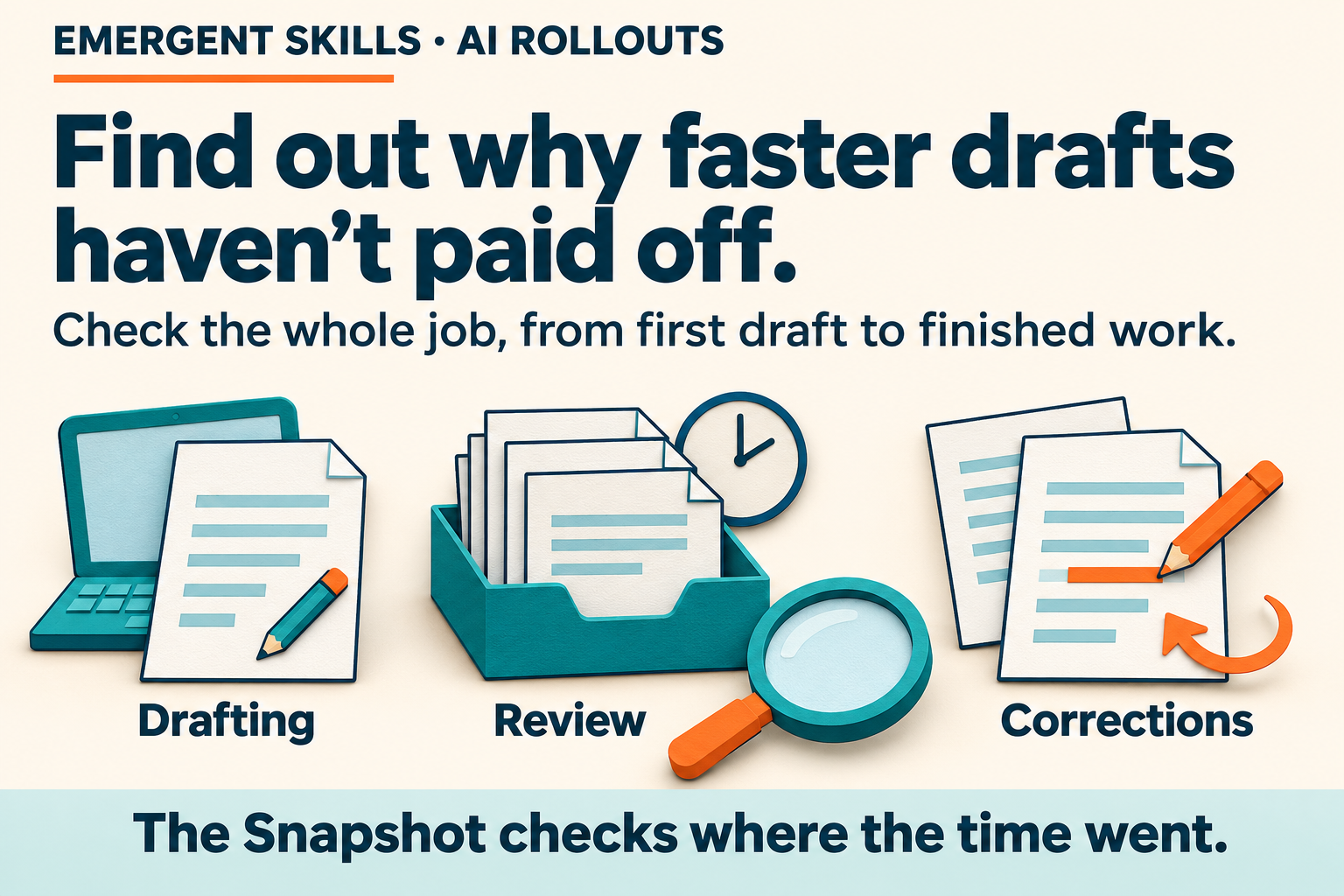
The second problem is where the time goes. When drafting gets faster, the work doesn't vanish. It moves to review, approval and exceptions. If nobody planned for that, the queue just changes address.
The usual fixes, and their limits
When the review isn't working, a fix is usually proposed before anyone checks why. Each of these can be right. Each has a limit worth knowing first.
Buy a better model
Sometimes the tool really is the weak point. The limit: if the errors come from the data it's given, or from figures the reviewer can't see, a better model writes the same wrong numbers more fluently.
Add a second reviewer
Feels safer. The limit: if the first reviewer lacks the source, the time or the authority, the second one does too. You double the cost and keep the gap.
Retrain the reviewers
Helps when people don't know what to look for, and with AI-drafted work that's a real gap. The limit: training can't fix a review screen without the source, a target that leaves no time to check, or a penalty for rejecting. Fix those, or the training won't show.
Drop the review, or replace the whole workflow
Tempting when review looks like the bottleneck. The limit: a review that catches real errors is a control. Removing it, or buying a new platform, can cost more than the delay it was blamed for.
How teams usually find out what's wrong
Before choosing a fix, someone has to find out which problem you have. There are four usual ways to do that. Each has its place.
Go with the likeliest explanation
Fast, and sometimes right. The limit: the vendor's explanation and the reviewers' explanation both sound plausible. Untested, you pay for the fix and keep the problem.
Ask your own team
Your PMO, operations team or analysts know the work and may hold the records. If they have the time, use them. The limit: the reviewers are the people whose work is in question, and the source data often sits with IT or another department.
Bring in a consulting firm
Right for a broad redesign across the business. The limit: for one rollout, you'd still scope an engagement, agree fees and schedule interviews before anyone starts looking.
Ask an AI chat
Fast, and good at listing possibilities. The limit: it works from what you type. It doesn't get the review log, ask the reviewers or check the figures against the records.
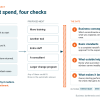
Four checks before you change anything
You can test a review in a few days with records you probably already have. Ask these four questions, and ask the reviewers themselves, not only the dashboard.
| Check | What to look at |
|---|---|
| Can the reviewer see the source? | Does the review screen show the record the figures came from, or only the draft? If checking a number means opening another system, it probably isn't being checked. |
| Is there time to check? | Median time per review against the daily target. Compare the approval rate with what a sample re-check finds. Ninety-nine percent approved and seven percent wrong is a review that reads, not one that checks. |
| Is the reviewer free to say no? | What happens to a rejected item? If it lands back in the reviewer's own queue or counts against their numbers, people stop rejecting. |
| Where did the time go? | Hours saved in drafting against hours now spent in review, exceptions and follow-up questions. And who owns turning any time that's left into a result someone will notice. |
Then ask one more question: does the new tool let you organize this work differently? Sometimes routine items could go out under agreed rules, with only the exceptions reviewed. Sometimes the answer is no, and a plain fix is the right one. You don't need a transformation for the investment to pay off. You need to know which situation you're in.
If your team can run these checks, do that. If they can't spare the time, the cause crosses departments, or people disagree about it, that's where the Snapshot fits.
What this looks like in practice
Illustrative example · fictional company, people and figures. An insurer started using an AI tool to draft claim decision letters, and a claims handler reviewed every one. Six months later, complaints about wrong letters had gone from 38 a month to 95. The vendor offered a premium model; the head of claims wanted a second review.
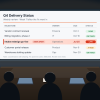
The review log showed 99.2% of drafts approved unchanged, at a median 40 seconds each. A QA re-check of 200 sent letters found 14 errors, 12 of them in the excess or limit amounts. The handlers explained why: the review screen showed only the draft, checking a figure meant opening the policy system, the target was 120 letters a day, and a rejected draft counted against the person who rejected it.
Neither proposal would have fixed that. The next steps were to show the policy figures beside each draft, change the target so rejecting a wrong letter didn't count against the reviewer, and re-run the QA sample a month later.
The opposite case matters too. In a second fictional example, lawyers reviewed AI-drafted NDAs in nine minutes and corrected 18% of them. The delay came from requests arriving without the counterparty's legal name. Dropping the review would have removed a working control. The fix was three required fields on a form.
How the Stalled Priority Snapshot helps
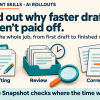
The Stalled Priority Snapshot is a proprietary AI tool from Emergent Skills, an operations consulting firm. It investigates one rollout or priority that isn't delivering, following a method I designed. For a rollout, it always tests whether a review queue or corrections absorbed the saving, and it asks for the records and the accounts that answer the questions above.
Why it's different from asking your team, a consultant or a chat
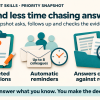
- It asks the people who do the work. You hear from the reviewers, whoever runs the system and the people downstream, not only the dashboard. Invite up to 8 colleagues by email; each answers only their own question, from a link, with no account and no meeting.
- It asks for the record behind each figure and recalculates it in code. Your finance lead can compare the approval rate with a re-check sample instead of trusting either one.
- It keeps explanations open. "The model isn't good enough" and "the review is the bottleneck" stay possibilities until the evidence settles them, so you don't fund the loudest theory.
- Every next step is checked for who has the authority to make it and what actually changes in the work, such as a target, a review screen or a form. You get steps someone can carry out.
- It follows up. Around your review date, we ask what happened, so you know whether the fix worked.
This process saves you time and money. You don't fund a better model, a second reviewer or a new platform until the evidence says it will help.
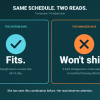
The Snapshot is a new method we're still evaluating. The examples above and the sample readouts are fictional. They aren't customer results, and we don't have any yet.
Questions before you start
We're required to keep a person in the loop. Does this mean removing it? No. Regulation, client contracts or your own risk policy may require human oversight. The point is to make that oversight able to work: the right information, enough time, and the authority to stop something.
What if our review is working? Then the checks are quick, and the investigation looks elsewhere. A working review shouldn't be cut to save a few minutes.
Is this only about AI? No. The same questions apply to any automation with a person checking its output: invoice matching, scheduling, quoting.
What isn't it for? Rating an individual's performance, legal or regulatory matters, and safety incidents.
Isn't the real problem that reviewers don't know how to check AI work? Sometimes. A systematic review of research on over-reliance on automated advice found that workload and time pressure increase it, and that training and accountability reduce it. So a review needs both: the conditions to check and the skill to do it. Reviewing AI Work, our practice program for people who check AI-drafted analysis, builds the skill. The first case is free.
Test the review before you pay for the fix
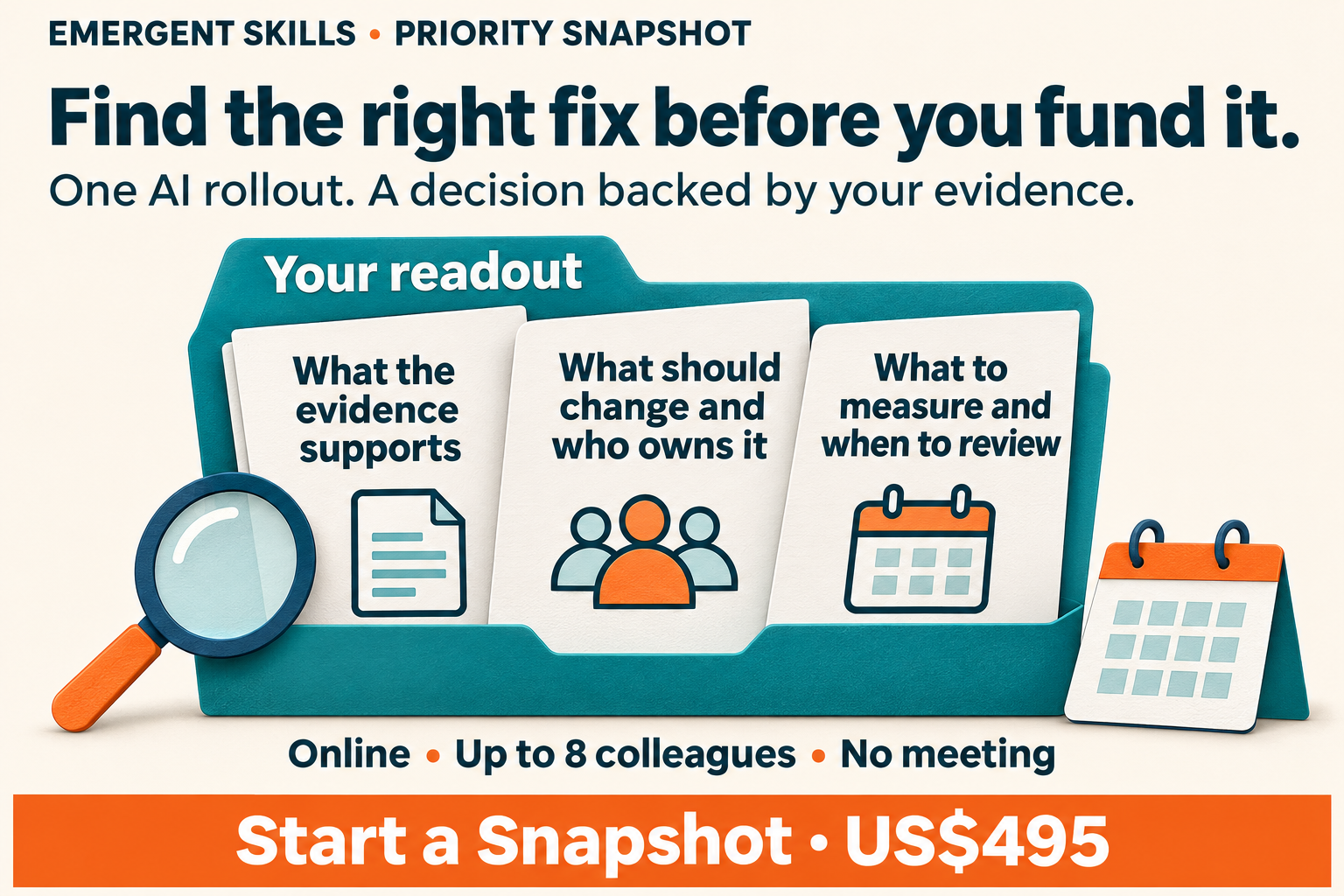
The Stalled Priority Snapshot is US$495 per investigation, paid by card. It runs online with no session to book, and you get a written readout with a decision, an action plan and the record behind it. Unused Snapshots don't expire.
Still deciding whether to fund the rollout, the upgrade or the new platform? Decision Review checks the business case before the money moves. For the wider pattern, see What Should You Do When an Important Project Stalls?

 Projects stall, results fall short, and problems keep coming back. Trace what happened, test the explanations against the evidence, and decide what’s worth changing.